


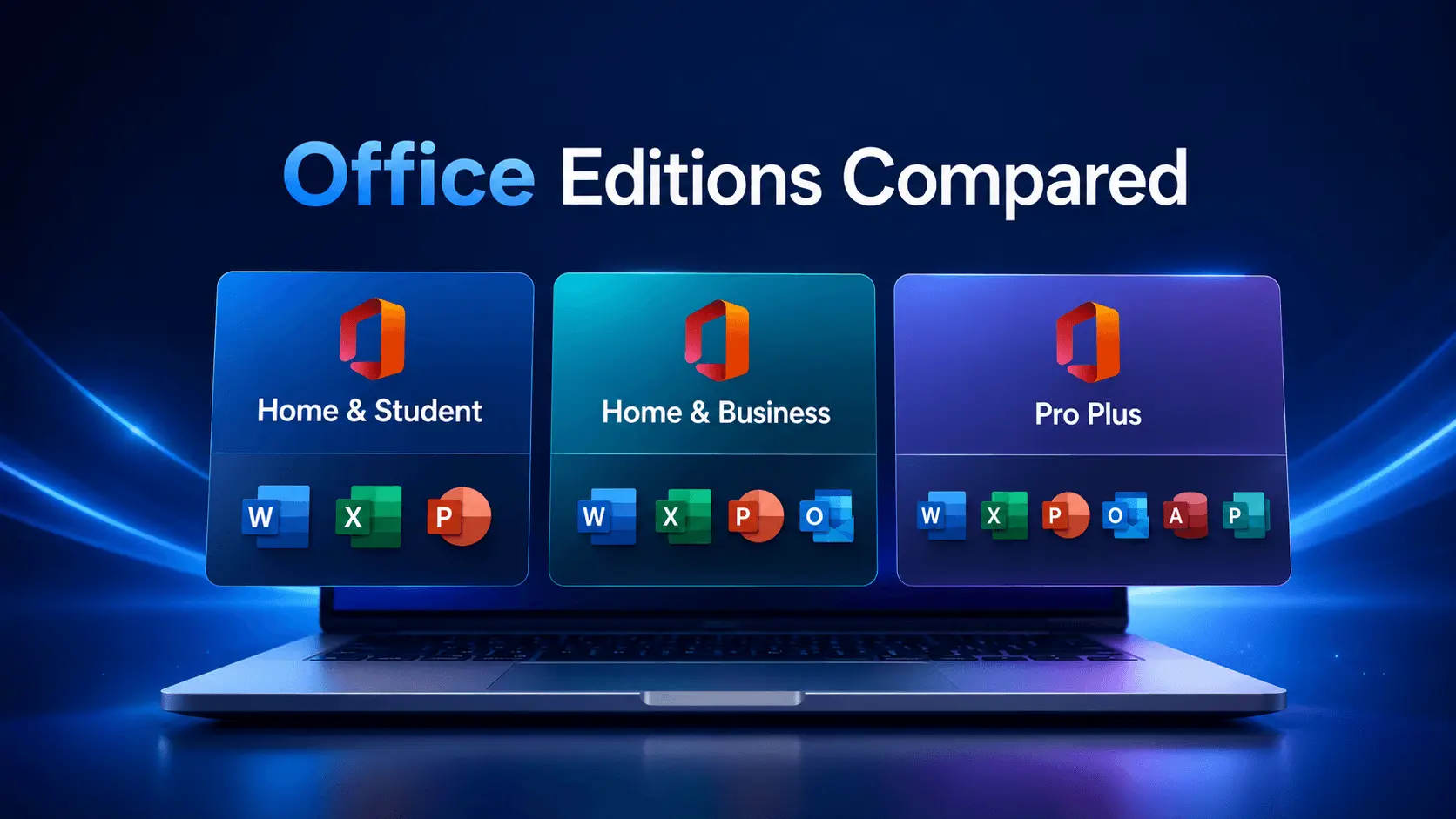
Microsoft Office editions are not interchangeable. Before choosing a license, compare the apps included in each edition and match them to your device, work type, and Windows compatibility needs.
Office Home & Student
Home & Student is usually selected for basic document, spreadsheet, and presentation work. It is a better fit for personal use when Outlook, Access, and Publisher are not required.
Office Home & Business
Home & Business is often selected when Outlook is needed for email and calendar workflows. It can fit small business or professional use when the included apps match the user’s requirements.
Office Professional Plus
Professional Plus is usually chosen when users need a broader desktop Office suite, including apps such as Word, Excel, PowerPoint, Outlook, Access, and Publisher where listed for that edition.
How to Choose
- Choose Home & Student for basic documents, spreadsheets, and presentations.
- Choose Home & Business when Outlook is required.
- Choose Professional Plus when the listed advanced desktop apps are needed.
- Always check Windows compatibility and product-specific activation notes.
Choose by Included Apps First
Many Office buying mistakes happen when users choose by year or price without checking app availability. If you need Outlook, Home & Student is usually not the right edition. If you need Access or Publisher, check the Professional Plus product page carefully before checkout.
Typical Buyer Fit
- Students and personal users often need Word, Excel, and PowerPoint.
- Small business users often need Outlook for email and calendar workflows.
- Advanced desktop users may need Access, Publisher, or a broader Professional Plus suite.
- Users with older PCs should check Windows compatibility before choosing a newer Office version.
Activation and Delivery Notes
A2Keys sends Office license details by email after payment approval, typically within 15-60 minutes and up to 24 hours if selected for review. Activation support depends on the product, installed edition, and error details, so save the order email and follow the product-specific instructions.
Recommended A2Keys Pages
- Office 2021 Professional Plus key
- Office 2019 Home & Business key
- Office 2019 Home & Student key
- Microsoft Office category
FAQ
Which Office edition is best for email?
Choose an edition that includes Outlook, such as the listed Home & Business or Professional Plus options where available.
Does Home & Student include Outlook?
Typically no. Check the product page for included apps before checkout.
Should I choose by year or edition first?
Choose by required apps first, then compare year, Windows compatibility, and support needs.